
 EN
EN
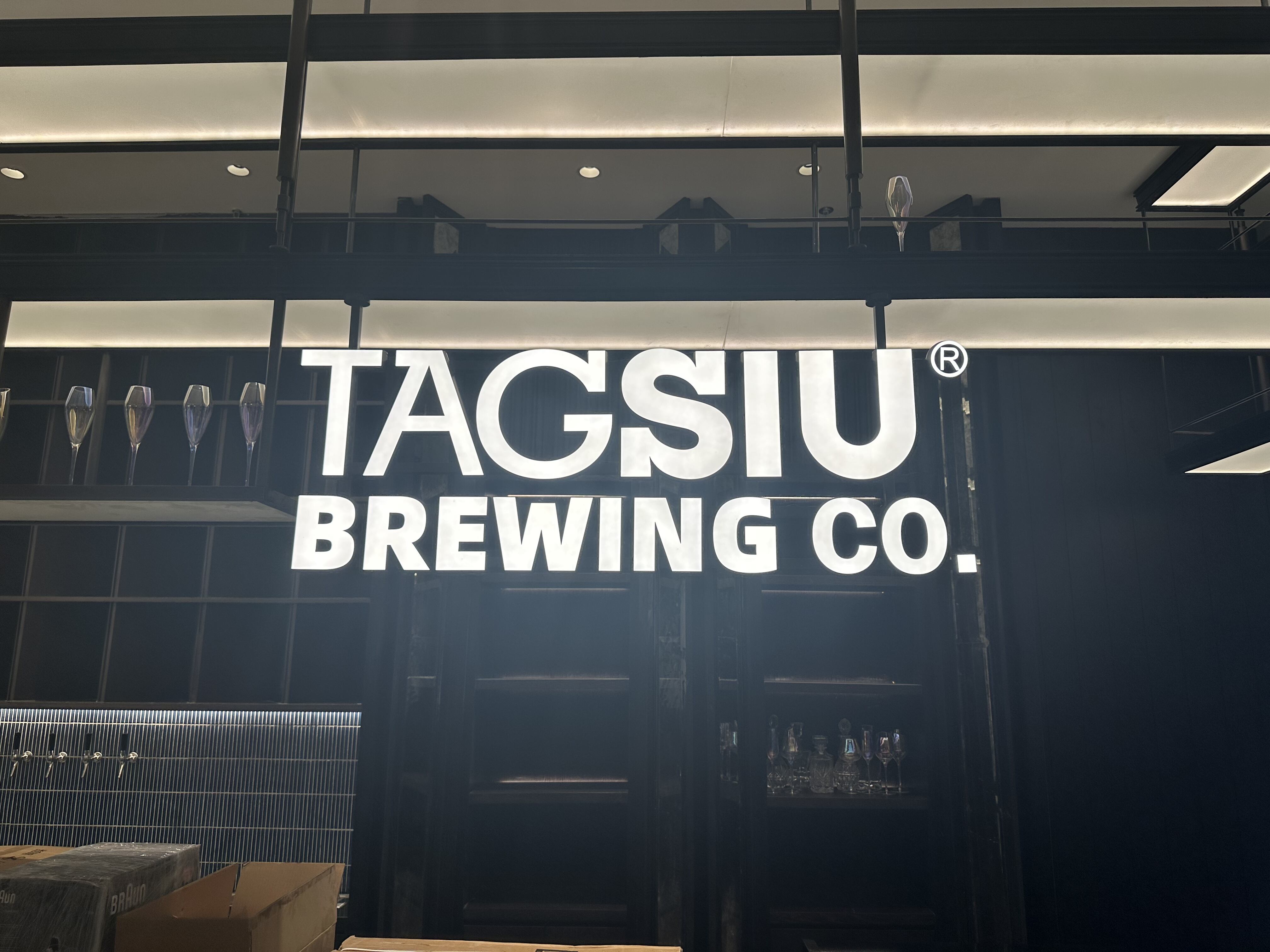
Understanding the Core Principles of Signage Wayfinding
Defining Signage Wayfinding and Its Role in Indoor Navigation
Good wayfinding signs help people navigate complicated spaces using clear visuals and logical placement. A recent study from 2023 found these systems cut down on confusion inside buildings by about 43%. That makes them really important in places like hospitals where time matters, university campuses with endless halls, and big office complexes. Regular signs just point somewhere, but proper wayfinding actually talks to users as they move around. Think about those color-coded arrows in airports or landmarks at key decision points in shopping malls – these aren't random placements but carefully thought out guidance systems that make navigation feel effortless instead of frustrating.
The Four Main Types of Wayfinding Signs
Effective systems integrate four sign categories:
- Directional: Arrow-based guidance at decision points (e.g., "Elevators ➀")
- Identification: Labels for rooms or areas (e.g., "Neurology Ward – Level 3")
- Informational: Maps or directories showing spatial relationships
- Regulatory: Safety or access instructions ("Emergency Exit Only")
Buildings using all four types experience 31% faster navigation than those with partial implementations.
Key Elements of Effective Wayfinding Design
Visibility and readability are foundational—signs should be legible within three seconds of entering a sightline. Simplicity is critical: users process an average of 3.7 navigation cues before experiencing decision fatigue. Consistent use of colors (blue for directions, red for exits) and sans-serif fonts minimizes cognitive load and enhances comprehension.
Visual Hierarchy and Readability
A 2024 analysis of 120 wayfinding systems identified best practices:
- Fonts: Minimum 1" letter height per 30' viewing distance
- Contrast: At least 70% luminance difference between text and background
- Color Coding: Limit to four intuitive hues (e.g., green = public areas)
Prioritize information through scale—primary destinations in larger text, secondary details 20–30% smaller. This layered approach enables 89% of users to navigate unfamiliar spaces without assistance.
Strategic Sign Placement for Optimal User Navigation
Best practices for sign placement and clear sightlines
Signs should be mounted between 45 and 60 inches high so they line up with where people naturally look when walking around. The text needs good visibility against whatever background it sits on, ideally maintaining about a 3 to 1 contrast ratio for readability. For directional markers along hallways, install them roughly every 25 to 30 feet apart. These should face directly across from where people are moving through the space. Recent studies from last year showed something pretty interesting actually. When buildings properly plan out these sightlines, folks get lost or confused much less often inside complicated places such as medical centers or transportation terminals. Navigation mistakes drop down by nearly two thirds according to this research.
Positioning signs at decision points and transitional areas
Place identification signs within five feet of doorways and directional signs at corridor intersections. Critical transitional zones requiring signage include:
- Building entrances/exits (within 10 feet)
- Floor elevation changes (top and bottom of staircases)
- Security checkpoints
- Boundaries between public and staff areas
Aligning placement with user flow and building layout analysis
Use heat mapping to identify:
- Primary pedestrian thoroughfares (>70% traffic density)
- Common hesitation points (where >25% of users pause longer than 10 seconds)
- Emergency egress routes
- Accessibility pathways
Integrate signage with architectural features—align directional arrows with hallway axes and mount regulatory signs at door handle height (34–38") for compliance visibility. Facilities using flow-based placement report 41% faster evacuation times during emergency drills (NFPA 2022 data).
Ensuring Accessibility and ADA Compliance in Signage Wayfinding
ADA-Compliant Signage Requirements for Inclusive Environments
Signage that meets ADA standards isn't just recommended for buildings serving the public, it's required by law. About one quarter of American adults live with some kind of disability, according to CDC data from last year, so designing with everyone in mind makes good business sense too. The basics for compliant signs usually involve raised letters people can feel, Grade 2 Braille for those who read it, plus standard symbols pointing out key areas like bathrooms and emergency exits. Beyond avoiding potential lawsuits, businesses that get this right tend to earn customer loyalty. Recent research shows that roughly eight out of ten people look specifically for accessible options when picking where to go, which speaks volumes about what matters most to consumers these days.
Incorporating Braille, Tactile Elements, and Non-Visual Cues
Tactile signs feature raised characters (minimum 1/32" height) with Grade 2 Braille positioned below the text. Supplement these with non-visual aids like auditory cues or textured floor indicators. For instance, hospitals using voice-guided navigation systems reduced misnavigation by 40% in a 2024 Wayfinding Institute study.
Meeting ADA Standards for Contrast, Font Size, and Mounting Height
| Requirement | Standard | Purpose |
|---|---|---|
| Contrast | ≥70% between text/background | Enhances readability for low vision |
| Font Size | ≥5/8" (cap height) | Ensures visibility from 5+ feet |
| Mounting Height | 48–60" above floor | Accessible for seated users |
Install signs at least 18 inches from doors to prevent obstruction and conduct annual audits—repeat ADA violations carry average fines of $75,000 (DOJ 2023).
Integrating Digital Wayfinding Solutions with Physical Signage
Interactive Kiosks and Dynamic Digital Displays for Real-Time Guidance
Today's wayfinding systems combine touchscreens with live data to help people find their way around tricky places like airports and hospital campuses. The digital displays can adjust fast when things change at facilities - think last minute room swaps or sudden detours during emergencies - and do so about 24 percent quicker compared to old fashioned paper signs according to Facility Management Insights from last year. Most commonly found right next to main doors and in busy areas throughout buildings, these interactive maps cut down on traveler frustration because folks can see exactly how to get where they need to go without wasting time asking for directions.
Using QR Codes to Link Physical Signs to Mobile Floor Plans
QR codes on physical signs connect users to mobile-optimized floor plans featuring accessibility filters, multilingual options, and step-counting tools. This hybrid solution supports 68% of users who prefer self-guided smartphone navigation while preserving the reliability of fixed signage.
Connecting Digital Signage with Mobile Apps for Seamless Navigation
Integrated systems sync maps across digital kiosks and personal devices, enabling continuous guidance. When a visitor selects a destination on a lobby kiosk, the route appears automatically on their phone. This phygital approach reduces missed appointments by 19% on corporate campuses by minimizing navigation errors.
Balancing Digital and Traditional Signage for Maximum Effectiveness
Use digital tools for dynamic content and reserve physical signs for critical safety messaging. A balanced strategy ensures inclusivity—braille-enhanced directory signs complement app-based navigation for visually impaired users. Limit digital installations to 30–40% of total signage to avoid cognitive overload while maintaining modern functionality.
The Complete Wayfinding Signage Design Process: From Strategy to Evaluation
Conducting a site assessment to identify navigation pain points
Start by looking closely at the space through 3D mapping technology and simulating how people actually move around it. This helps spot problem spots where crowds tend to gather, especially in places like building entrances or near elevators. Recent research from last year found something interesting when they combined heat maps with actual observation techniques. The result? Wayfinding mistakes dropped by almost half, around 42% to be exact. When checking out these spaces, don't forget to pay attention to things like lighting conditions, physical obstacles in pathways, and where signs are missing or hard to see. These observations should happen when the place is busiest since that's when navigation issues really become apparent.
| Phase | Traditional Approach | Modern Best Practice |
|---|---|---|
| Site Assessment | Manual walkthroughs | LiDAR scans + behavioral analytics |
| Strategy Development | Static signage plans | User journey mapping with AI feedback |
| Testing | Post-installation surveys | Real-time foot traffic tracking |
Developing a user-centered wayfinding strategy based on building function
Tailor signage to occupant needs: healthcare facilities emphasize ADA-compliant tactile signs near elevators, while airports require multilingual directional signage at security checkpoints. Apply universal design principles—such as mounting identification signs at 48–60" above the floor—to ensure accessibility for wheelchair users.
Designing a consistent and intuitive signage system
Adopt a four-tier hierarchy:
- Primary directional signs at entry points
- Secondary informational signs at decision junctions
- Tertiary regulatory signs near hazards
- Identification signs at final destinations
Use high-contrast color schemes (e.g., white text on dark blue) and sans-serif fonts like Helvetica, which improve legibility by 19% compared to decorative typefaces (Accessibility Standards, 2023).
Implementing, testing, and refining the signage network
Conduct A/B testing with temporary signage before full deployment. Track metrics such as average navigation time and first-time visitor success rates. A retail complex in Toronto reduced customer “lost time” by 33% after adjusting sign angles based on eye-tracking data.
Evaluating performance and making data-driven improvements
Perform quarterly audits using:
- Post-occupancy evaluations
- Maintenance logs for damaged or replaced signs
- Digital integration metrics (e.g., QR code scans or app usage)
Update signage seasonally in venues like museums, where exhibit rotations require 68% more directional updates than typical office environments (Wayfinding Trends Report, 2023).
FAQs
What is signage wayfinding?
Signage wayfinding refers to the use of signs and symbols to guide people through complex environments, such as hospitals and campuses, enhancing navigation and reducing confusion.
What are the key types of wayfinding signs?
The key types include directional, identification, informational, and regulatory signs, each serving distinct purposes to facilitate efficient navigation.
How does ADA compliance affect signage?
ADA compliance ensures that signage is accessible to individuals with disabilities, incorporating features like tactile elements and Braille, which is required by law in the USA.
How can digital tools enhance wayfinding?
Digital tools like interactive kiosks and QR codes provide real-time guidance and allow for dynamic content updates, integrating seamlessly with traditional signage for optimal navigation.
Table of Contents
- Understanding the Core Principles of Signage Wayfinding
- Strategic Sign Placement for Optimal User Navigation
- Ensuring Accessibility and ADA Compliance in Signage Wayfinding
- Integrating Digital Wayfinding Solutions with Physical Signage
-
The Complete Wayfinding Signage Design Process: From Strategy to Evaluation
- Conducting a site assessment to identify navigation pain points
- Developing a user-centered wayfinding strategy based on building function
- Designing a consistent and intuitive signage system
- Implementing, testing, and refining the signage network
- Evaluating performance and making data-driven improvements
- FAQs