
 EN
EN
Clarity and Legibility: Core Principles of Effective Signage Wayfinding
Typography, Contrast, and Visual Hierarchy for Instant Recognition
Good wayfinding signs start with typefaces people can recognize instantly. Sans serif fonts like Helvetica Now or Frutiger work best because they have those big x-heights that make letters stand out even from far away or when someone is moving quickly. Using bold weights here and there makes sense too, especially for things like exit signs or area names, but we shouldn't depend solely on colors to create this visual hierarchy. The WCAG guidelines say we need at least a 4.5:1 contrast ratio between text and background colors, and honestly, this isn't something we can ignore if we want our signs to be accessible under different lighting conditions inside buildings. Some research published last year looked at how changing font sizes affects navigation mistakes in hospitals. They found that making zone names bigger than directions which are bigger than arrows cut down errors by about 37%. Signs really shouldn't try to do too much though. Three main pieces of information max: where you're going, which way to go, and maybe some sort of confirmation. Always put the destination name first before showing the arrow direction since that's how most folks naturally scan signs anyway, and it helps reduce mental fatigue for users.
Lighting, Color Psychology, and Environmental Context in High-Traffic Areas
Good lighting isn't just extra stuff hanging from ceilings it's actually really important for people to see things clearly. Places where folks move around a lot need at least 500 lux of light generally speaking. And those signs? They work best when they're made with matte surfaces instead of shiny ones because otherwise they get washed out by sunlight coming through atrium windows or flicker annoyingly under LED lights. Colors matter too but not just for looks. Blue is great for emergency exits since it makes people feel calm and focused. Pairing bright white text with dark green backgrounds helps eyes find what they need faster. We've seen this in action too. Stores that use specific colors for different areas report customers making choices quicker. Gold tones work well in fancy shops while teal seems to draw attention to food courts according to some studies done recently. Signs shouldn't fight against all the other stuff going on visually either. The smart approach is to place them naturally within the space so they follow the way floors meet walls or how columns line up across rooms. This guides people without making them conscious of being guided.
Strategic Placement and Information Hierarchy in Signage Wayfinding
Decision-Point Signage, Sightline Mapping, and Zoning Logic
The best signs for guiding people are those positioned where actual decisions happen, not just where designers think folks might glance. When we put directional markers at spots like hallway crossings, near elevators, and main entrances, it tackles about 8 out of 10 cases where visitors get lost at important decision points according to Retail Navigation data from last year. Getting visibility right matters too. Mounting signs somewhere around waist height for wheelchair users up to about eye level for standing adults makes all the difference. Keep them clear of anything that might block view like pillars or plants, and studies show this cuts down on mistakes by roughly 40% in busy areas as noted in Accessibility research from 2023. Another smart move is organizing spaces logically. Group similar places together retail stores next to each other, restaurants clustered apart from service counters and limit what appears on each sign to maybe three or four options max. This approach actually shortens the time people spend navigating by around a third per Urban Design findings in 2024. These strategies work together because...
- Anchor points: Consistent directional prompts at every divergence, reinforcing orientation
- Foresight-based positioning: Accounting for approach angles, lighting shifts, and typical walking pace
- Progressive disclosure: Revealing only contextually relevant details—e.g., showing restroom icons after “Services” is selected—preventing premature information overload
Inclusive Design: Accessibility and ADA Compliance in Signage Wayfinding
Tactile Elements, Font Standards, and Multimodal Cues for Universal Access
When it comes to real wayfinding equity, ADA Title III compliance should be more than just ticking boxes off a list. It needs to become part of how we actually think about design from the ground up. For people who are visually impaired, tactile elements really matter. Think about those raised characters and Grade 2 Braille that need to be positioned somewhere between 48 inches and 60 inches off the floor. These features let individuals navigate spaces on their own terms. Fonts also play a big role here. Designers must stick to sans-serif typefaces where uppercase letters are at least 5/8 inch tall. Surfaces shouldn't reflect light, and there needs to be enough contrast between colors so that even someone with limited vision can see what's going on. Studies show anything under 70% luminance contrast just doesn't cut it for readability. But good design goes further than just touch points. When audio and visual signals work together, like when a person hears directions through a beacon system while following glowing path markers, this combination helps prevent confusion in tricky spots such as busy transportation centers or emergency evacuation routes.
| Design Element | Functionality | User Benefit |
|---|---|---|
| Tactile Surfaces | Braille/raised characters | Independence for visually impaired |
| Font Contrast | 70%+ luminance contrast, sans-serif | Clear legibility in varied lighting |
| Audio-Visual Sync | Beacons with voice guidance | Reduced disorientation in high-stress zones |
With over 25% of U.S. adults living with disabilities, inclusive design is both regulatory necessity and ethical imperative. Facilities implementing these integrated principles report 40% faster average navigation times and measurable reductions in user frustration—proof that universal access enhances experience for all visitors, not just those with documented needs.
Digital Integration: Enhancing — Not Replacing — Traditional Signage Wayfinding
Real-Time Updates, QR Augmentation, and Scalable Smart Sign Systems
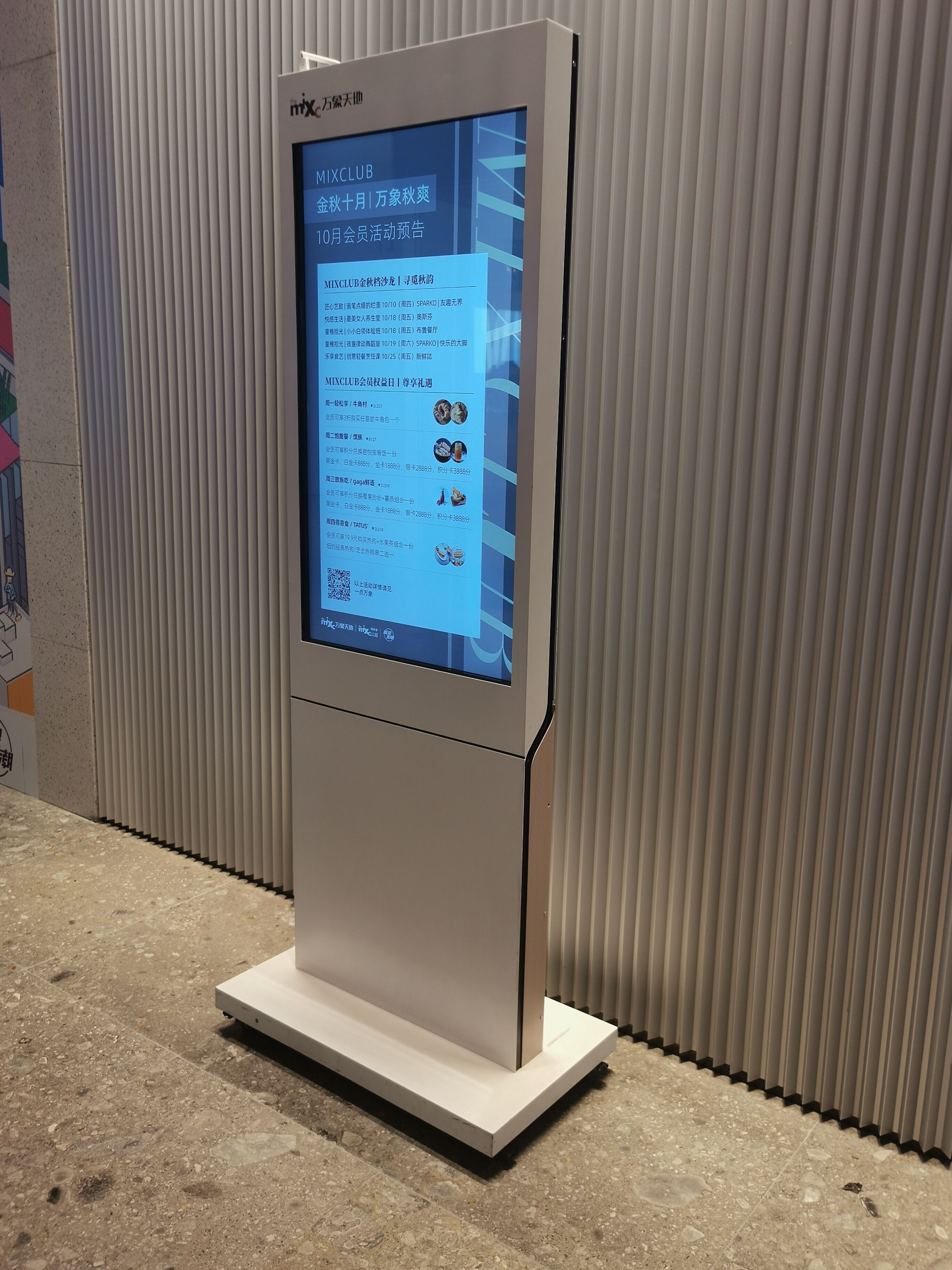
Digital tools really shine where regular signs fall short because they can provide up to date information based on what's actually happening around them. We've seen interactive kiosks display current elevator wait times and alert people about construction roadblocks, while QR codes connect visitors to detailed building maps that can be zoomed in for better navigation. These solutions cut down on confusion about directions by roughly 40 percent according to some tests measuring how efficiently people move through spaces. The good news is these systems can grow as needed starting at main entrances before adding ceiling mounted screens or even small Bluetooth devices throughout buildings. What matters most though is that digital options should work alongside traditional methods rather than replace them entirely. That means keeping Braille labels right under touchscreens, making sure tactile markers line up with digital route guides, and having those glowing exit signs that still function properly even if there's no electricity or the screens go dark somehow.
Cognitive Load Balance: When Simplicity Outperforms Digital Complexity
Technology should simplify—not complicate—navigation. Animated menus, auto-rotating content, and multi-step touch interactions increase decision time by 28%, according to a 2023 UX study in Human Factors in Computing Systems. The most effective digital signage wayfinding systems apply restraint:
- Touchscreens presenting ≤3 actionable options per screen
- Color-coded zones mirroring physical signage for seamless cross-reference
- Audio cues reserved exclusively for urgent alerts (e.g., fire alarms, evacuation instructions)
The optimal balance uses digital tools sparingly—like QR waypoints near restrooms or elevators—while preserving clear, unambiguous visual landmarks. Because when seconds matter, an illuminated exit arrow matters more than a push notification.
FAQ
Why is contrast important in signage wayfinding?
Contrast is essential for readability, especially in varying lighting conditions. It ensures that text stands out against the background, making it accessible to all users.
How do digital tools enhance traditional wayfinding signage?
Digital tools provide real-time updates and detailed maps that can help reduce confusion. They work best when integrated with traditional methods, not replacing them.